
|
|
|||||||
| Register | FAQ | Calendar | Today's Posts | Search |
 |
|
|
Thread Tools | Search this Thread | Display Modes |
 04-07-2012, 03:13 AM
|
|||
|
|||
 Obama Embraces National Security as Campaign Issue

|
|
#1
08-13-2015, 02:44 PM
|
|||
|
|||
|
7 Things You Didn't Know Your Apple Headphones Can Do
By: Wil Fulton
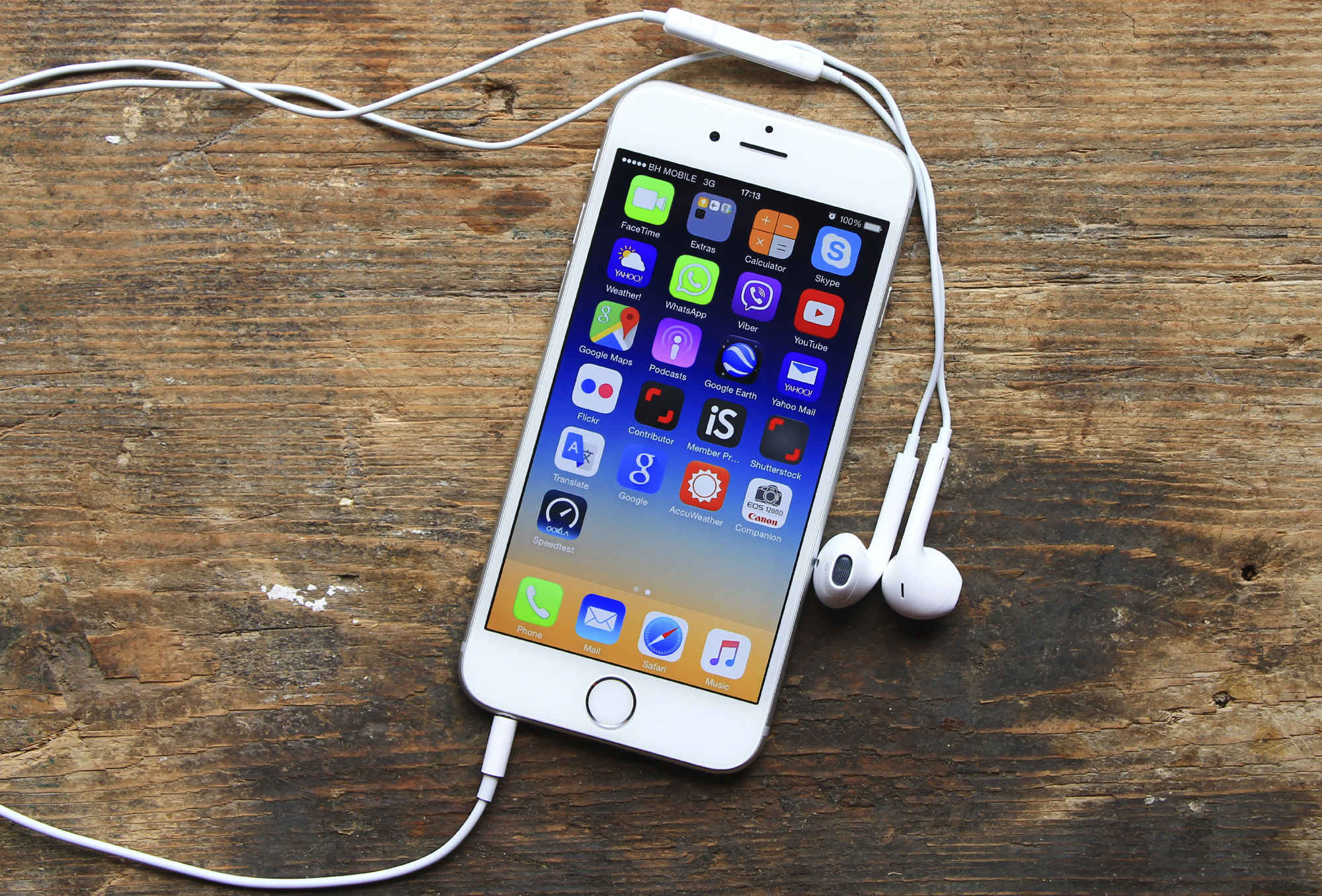 Credit: iStock/Ellica_S Two days ago I accidentally stomped on the EarPods that came with my iPhone 6, shattering the left bud, and sending my morning commute into total disarray. I lamented. I yelled. I thought about calling in sick. A little dramatic? Maybe. But the loss wasn't just about missing my morning podcasts. You see, in typical Apple style, an intuitive remote control hides within the ubiquitous white headset that I unwittingly demolished--offering users so much more than the obvious headphone capability. Here are 14 things you might not realize your Apple EarPods can do, from sending unwanted calls straight to voicemail with one click (sorry Mom), to effortlessly fast-forwarding to the best part of "Mambo Number 5." More: 12 Things You Can Make With a Coffee Maker Besides Coffee  Credit: Flickr/mikey.saltas 1. Play/pause songs How: Click center button If you want to start playing the song you left off on--or to pause it midstream--simply click the center button to get the ball rolling (or stopping). In addition to songs, this (and the rest of the music-related tricks) will work with videos and podcasts, and applies to streaming services like Spotify as well as your iTunes library. 2. Skip to the next song How: Double-click center button To skip over the filler in your favorite albums, or to reach "Eye of The Tiger" and give your stamina a much needed boost at the tail end of your morning jog, a quick double click will do the trick. 3. Start a song over How: Triple-click center button If you just can't listen to "Uptown Funk" enough times, you can triple click the center button to repeat the funk over, and over, and over again. Don't believe me? Just click (thrice). 4. Fast forward How: Double-click, and hold (during a song/video) Because sometimes, you just want to skip to the good part. 5. Rewind How: Triple-click and hold (during a song/video) Because sometimes, you just want to experience the good part all over again. 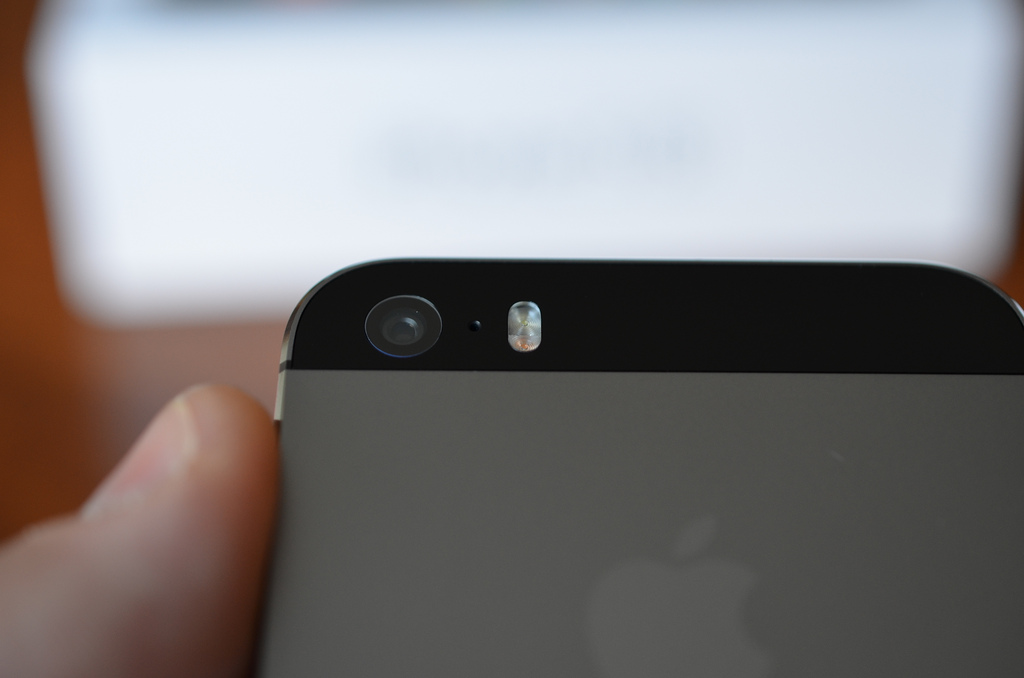 Credit: Flickr/Simon Yeo 6. Take a picture How: Click either volume button (with camera app open) If you need to swiftly snap an incriminating photo of your best friend at 4 AM, but need to keep your hands steady, an ideal way to get shot you want, without your fingers messing up the action is by clicking the volume button, which is effectively a shutter when your camera is open. 7. Use it as a microphone How: Um, just talk into it Okay, so this might be the most "obvious" inclusion on this list, but you'd be surprised as to how many people don't realize that little volume control is also an effective microphone (it has a lil' microphone emblem, on the back you know). As someone who spends a lot of time on the phone for work inside an occasionally noisy open office, I can personally attest that this is the best way to clearly communicate over your phone or take down a voice memo. For 7 more Apple headphone functions you'll be grateful to know about, head over to Supercompressor.com! More from Supercompressor: 12 Things You Didn't Know Were Invented by NASA 13 Hot Weather Hacks to Cool You Off This Summer Like Supercompressor on Facebook: www.facebook.com/Supercompressor -- This feed and its contents are the property of The Huffington Post, and use is subject to our terms. It may be used for personal consumption, but may not be distributed on a website.  More...
|


 Linear Mode

